Whisper Web Logo
Whisper Web
Free TikTok Repost Viewer for Public Posts

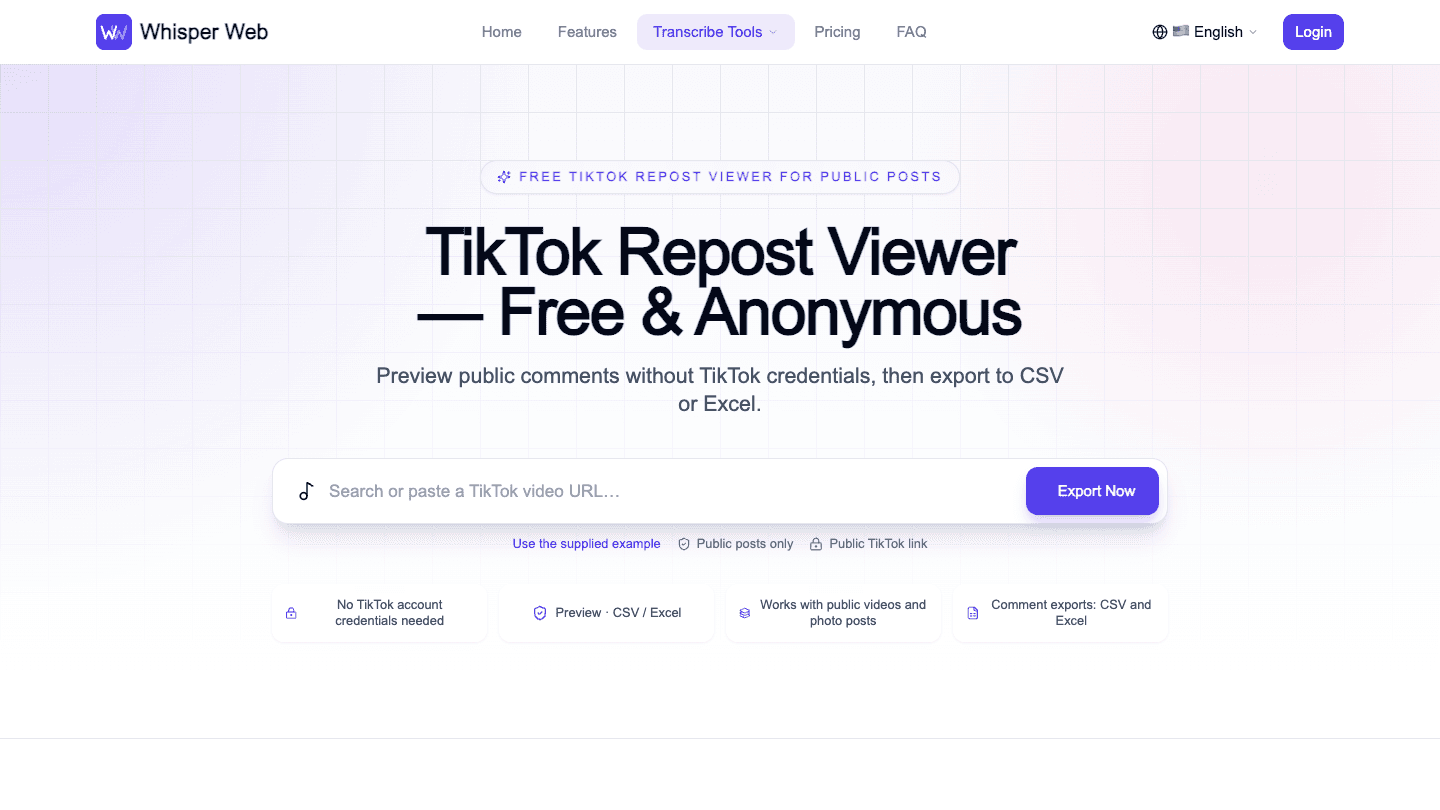
TikTok Repost Viewer — Free & Anonymous

Preview public comments without TikTok credentials, then export to CSV or Excel.

Public posts only Public TikTok link
No TikTok account credentials needed
Preview · CSV / Excel
Works with public videos and photo posts
Comment exports: CSV and Excel
How it works

How the TikTok Repost Viewer Works

The TikTok Repost Viewer starts with a public post link. Check the conversation, and choose your download.

Public TikTok link

tiktok.com/@creator/video/...

Link copied

1. Copy a public post link

Found a repost worth exploring? Open the original video or photo post and copy its URL. Unlike a TikTok account viewer, this workflow accepts individual post links rather than usernames.
Paste TikTok URL…Export Now
PreviewChooseExport

2. Preview

Paste the URL and select Export Now. The TikTok viewer shows available comments alongside the creator and caption.

Export settings

500 comments · CSV

Download comments

3. Choose your comment export

Set a comment limit, choose CSV or Excel, and include replies if needed. The TikTok Repost Viewer creates your spreadsheet. Save public author links for later TikTok profile viewer research.

Fast, clear, flexible

TikTok Repost Viewer, With Public Post Context

Public post review · 01

The TikTok Repost Viewer keeps the source post beside its conversation. Check the creator, caption, and sample comments before downloading. This TikTok viewer helps you decide whether the discussion is relevant.

Public post review · 02

A TikTok account viewer search may begin with a creator, but this tool works one post at a time. The TikTok Repost Viewer needs a public video URL, not an account password.

Start with one link

The TikTok Repost Viewer runs in your browser. Paste a public post URL without installing an app, adding an extension, or sharing TikTok cookies.

Check the source first

Use the TikTok viewer preview to confirm the post. For TikTok profile viewer research, visible creator details provide context before you interpret individual comments.

Choose useful rows

Set the top-level comment limit and add available replies. Download only the conversation you need, with progress updates while the tool collects additional pages.

Whisper Web TikTok Repost Viewer — Preview · Export
The TikTok Repost Viewer uses this comment preview and export workspace.
Practical use cases

What Can the TikTok Repost Viewer Help With?

Review public conversations for content ideas, campaign reports, and research. Keep the original post beside your notes.

Find follow-up ideas

Use the TikTok Repost Viewer to spot repeated questions beneath a shared video. Save audience wording and plan a follow-up that answers a specific concern.

Review campaign reactions

The TikTok Repost Viewer helps you collect reactions to a campaign post. Pair your spreadsheet with TikTok account viewer research to keep the creator context clear.

Prepare community replies

Check the discussion in the TikTok viewer, then group unanswered questions in your file. Return to the original post when your team is ready to respond.

Keep source details together

The TikTok Repost Viewer preserves available usernames and comment IDs. These details support TikTok profile viewer research without turning a single comment into an account-wide conclusion.

Compare audience language

Use the TikTok Repost Viewer to gather comments for manual review. Label themes in your spreadsheet and distinguish recurring concerns from isolated remarks about a video.

Document a research sample

Record the public post URL, collection date, and settings alongside your export. A TikTok account viewer overview and a post-level comment sample answer different research questions.

Clean, normalized data

What the TikTok Repost Viewer Export Includes

Export detail · 01

The TikTok Repost Viewer organizes available comments into consistent columns. Text, dates, and engagement counts stay separate, making the file easier to filter after your TikTok viewer session.

Export detail · 02

Commenter names and public homepage links provide starting points for TikTok profile viewer research. The export contains returned public fields, not a complete account history or private profile information.

Export detail · 03

Keep comment IDs and reply-to IDs together when sorting. The TikTok Repost Viewer preserves these relationships so TikTok account viewer research notes can point back to specific statements. Missing values remain blank.

Comment ID
Reply-to ID
Comment text
Nickname
Username
User ID
Comment date
Like count
Reply count
Comment images
Author-liked status
Pinned status
User homepage
Video ID
Export formats

Choose CSV or Excel for Your Comments

Take your TikTok Repost Viewer results into a spreadsheet. Both formats contain the same available comment fields.

CSV

Use CSV for lightweight TikTok viewer exports and analysis tools. The TikTok Repost Viewer escapes quotes and line breaks, with protection against spreadsheet formula interpretation.

Excel (.xlsx)

Choose XLSX for filters and a frozen header. Keep TikTok account viewer notes and TikTok profile viewer source links organized while reviewing comment rows.

Designed around real work

Built for Your Public Comment Workflow

The TikTok Repost Viewer supports focused comment research. Choose a format, review the source, and keep your collection settings.

Top-level comment capacity

Up to 20,000

Request available top-level comments up to this limit. Actual totals depend on the post and the data returned.

Spreadsheet formats

CSV + Excel

The TikTok Repost Viewer provides two formats for filtering, sharing, and documenting a public conversation.

TikTok credentials requested

Zero

Your TikTok viewer session needs no TikTok password or cookies.

Workflow

For creators

Use the TikTok Repost Viewer to collect questions beneath your post. Turn recurring requests into a short list of ideas for your next video.

Workflow

For social teams

Add comment evidence to TikTok account viewer research. Keep campaign dates and source links with the file so teammates can follow the context.

Workflow

For agencies

Deliver a TikTok Repost Viewer spreadsheet clients can filter. Include your review notes and sampling limits alongside the public responses you collected.

Workflow

For community managers

Combine TikTok viewer checks with an offline reply queue. A TikTok profile viewer may add context, but prioritize the actual question in each comment.

Workflow

For researchers

Use the TikTok Repost Viewer for a documented sample. Keep TikTok profile viewer observations separate from comment text and avoid inferring private activity.

Workflow

For reporting teams

Make TikTok account viewer research easier to revisit. Save the post URL, chosen limit, collection date, and final file in one shared project folder.

Questions before you start

TikTok Repost Viewer FAQ

Get clear answers about supported links, exports, and the public information this tool can return.

Is the TikTok Repost Viewer free?

Yes. You can preview available public comments and download CSV or Excel files without payment. Availability depends on the public post and the data service responding.

What does the TikTok Repost Viewer preview?

The TikTok Repost Viewer starts with a public post link. Paste the URL and select Export Now. The TikTok viewer shows available comments alongside the creator and caption.

Can I enter a username instead of a video URL?

No. Paste a public video or photo-post link. If you arrived looking for a TikTok account viewer, open a specific post first. A username or profile address alone does not provide the required post URL.

Does this show every repost on a TikTok profile?

No. The TikTok Repost Viewer previews a linked public post and its available comments. It does not retrieve an account’s repost feed. A TikTok profile viewer search still needs a specific post link for this workflow.

What does anonymous viewing mean here?

You do not connect your TikTok account to use the tool. Anonymous does not mean untraceable, and the tool does not provide access to private content.

How many comments can I export?

The TikTok Repost Viewer offers limits from 500 to 20,000 top-level comments, or all available within that cap. Exports can contain fewer rows when the public post has fewer comments or collection ends early.

Can the TikTok Repost Viewer include replies?

Yes. Enable the reply option before exporting. Available replies are added as separate rows with parent comment IDs. Collecting reply threads can take longer; the page shows progress and lets you cancel the collection.

Can I export comments to CSV and Excel?

Yes. Both formats contain the same available fields. CSV suits imports, while Excel adds filters and a frozen header. Keep TikTok profile viewer notes alongside the file when your review needs additional public creator context.

Why might a public post or some comments be missing?

Deleted posts, access restrictions, temporary service errors, and comment moderation can limit results. The TikTok viewer shows returned data rather than a historical archive. A visible counter does not guarantee every comment can be exported.

What account information is included in the download?

Returned fields can include commenter nicknames, usernames, user IDs, and public homepage links. This is not a full TikTok account viewer export. Missing fields stay blank, and the final spreadsheet is assembled in your browser.

Start with one public TikTok post

Try the TikTok Repost Viewer

Paste a public post URL, and preview comments before exporting. Choose CSV or Excel and save source details with your file.

Open the free TikTok Repost Viewer