Automatic profile detection
Gemini Logo Remover checks current and legacy visible profiles near their expected corner instead of applying an unrestricted blur.
Free Gemini Logo Remover · Private by design
Use Gemini Watermark Remover to remove Gemini watermark from a Gemini or Veo video or image locally, at original dimensions.
The Whisper Web Gemini Watermark Remover runs the complete visible-mark workflow inside the tab. Images are decoded, checked, restored, previewed, and exported without a media upload. You can see the result before saving a new file.
Remove Gemini Watermark
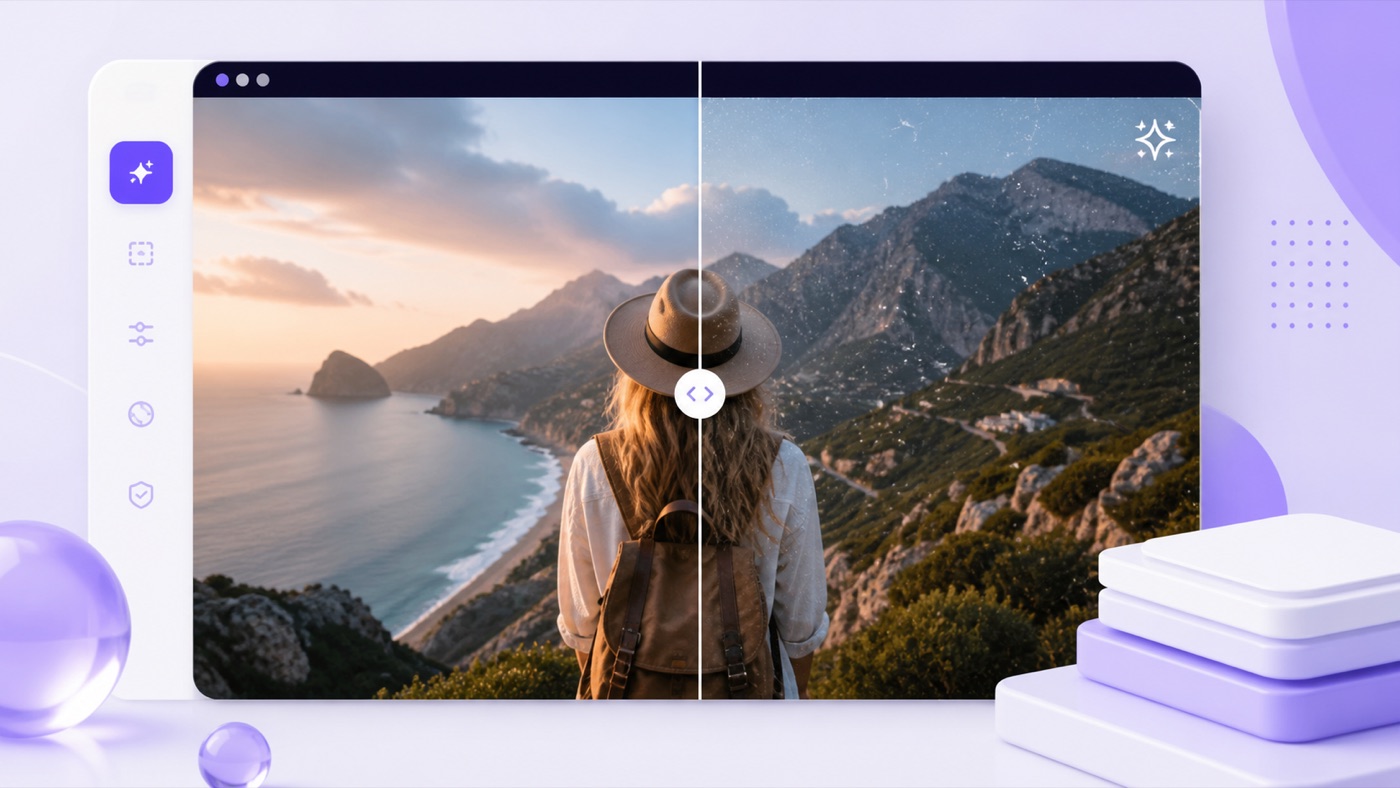 CleanedOriginal
The Gemini Watermark Remover video workflow checks a representative frame and selects a calibrated Gemini or legacy Veo profile. This Gemini video watermark remover then restores each presented frame while the browser records a new video.
Original timingFrame-by-frame playback preserves the source duration.
Audio routed locallyThe output includes source audio when the browser exposes it.
Preview before downloadCompare both videos before saving the cleaned file.
Gemini Watermark Remover shows practical controls only when needed, so the first action stays clear and technical details never crowd the upload area.
Gemini Logo Remover checks current and legacy visible profiles near their expected corner instead of applying an unrestricted blur.
Add PNG, JPEG, or WebP files together. Each image receives its own status, comparison view, and individual download.
Gemini Video Watermark Remover uses the browser media pipeline to restore supported frames and retain an available source audio track.
Gemini Watermark Remover lets you slide across a processed image or play the original and cleaned videos before exporting.
Because Gemini Logo Remover runs on your device, it does not wait for an upload, remote job, or result link.
Gemini Watermark Remover keeps low-confidence results unchanged. A known-position retry can remove Gemini watermark from a recognized supported mark.
Gemini Watermark Remover needs no account setup, project dashboard, or upload wait. Start with an authorized original export whenever possible.
Drop up to ten images or one browser-decodable video into the Gemini logo remover upload area.
Gemini Watermark Remover tests calibrated visible-mask geometry around the expected corner and estimates a confidence score.
To remove Gemini watermark, the tool reverses the known alpha blend only inside supported detected regions.
Compare images or use the Gemini Watermark Remover video preview, then download a cleaned file or ZIP.
Gemini Logo Remover uses calibrated grayscale alpha masks and known geometry. Gemini Watermark Remover checks whether the local highlight pattern matches a supported visible overlay, then reverses the blend instead of inventing a replacement.
For reliable results when you remove Gemini watermark, start with original Gemini or Veo exports. Cropping, scaling, screenshots, and heavy recompression can reshape the visible mark.
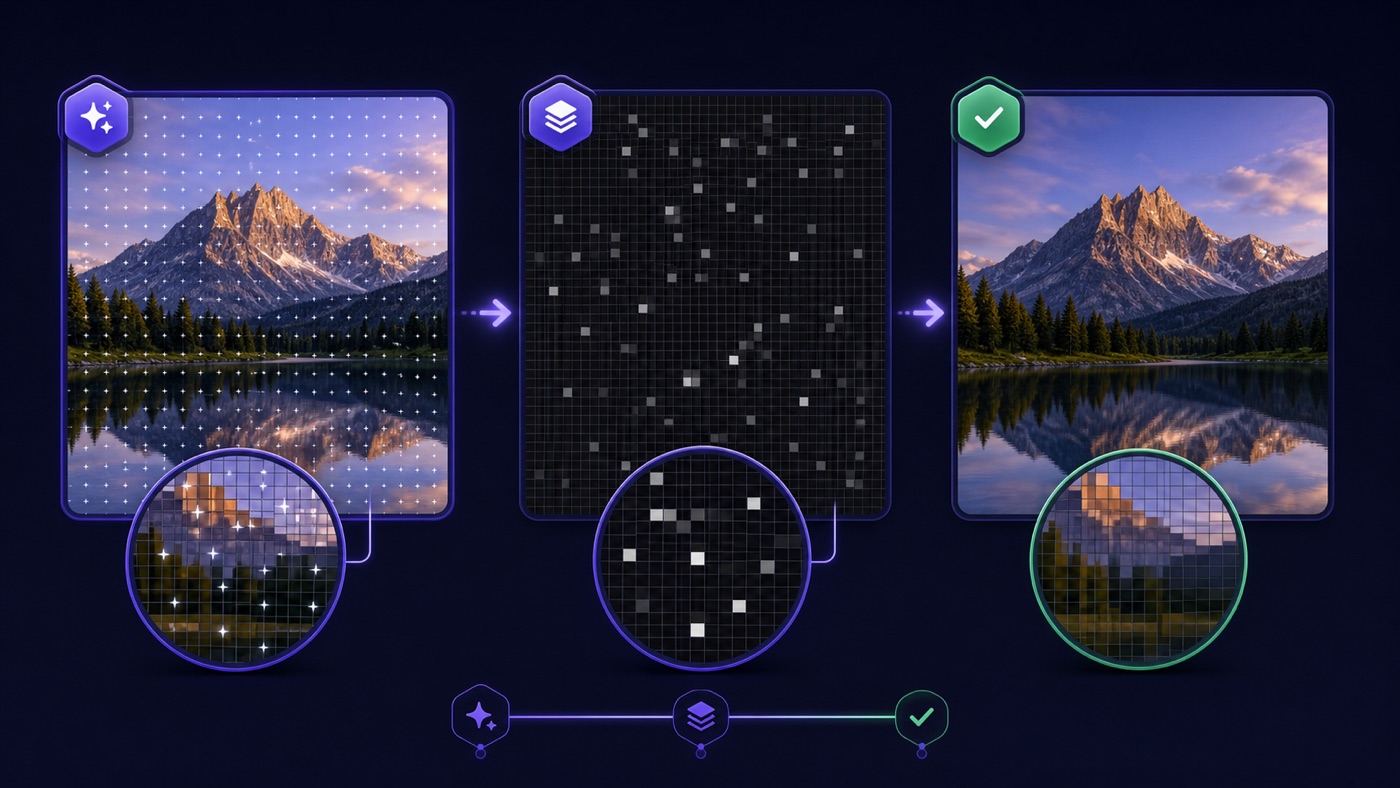
Gemini Watermark Remover focuses on one verifiable job: remove Gemini watermark from a supported visible overlay while keeping the file and decision in your hands.
Gemini Logo Remover uses browser APIs instead of shipping a private draft to a remote cleanup queue. Selection, detection, preview, and download stay in one tab.
Images start processing when selected. Gemini Video Watermark Remover reports the current stage and frame progress while handling the video locally.
Gemini Watermark Remover does not promise a universal erase. It reports whether a calibrated profile was detected, preserves an unchanged fallback, and clearly separates visible-mark restoration from invisible provenance.
Use Gemini Logo Remover when a clean visible frame is appropriate and you have the right to edit the source media.

Gemini Watermark Remover video processing prepares authorized clips for social edits, thumbnail tests, or client review without another processor.

Use Gemini Logo Remover on a supported image before placing it into a deck, concept board, or approved campaign layout.

Remove Gemini watermark from an authorized visual so stakeholders can evaluate composition, spacing, and motion without a corner overlay.

Batch-check owned exports with Gemini Watermark Remover and download only the results that pass your visual review.
Gemini Watermark Remover uses calibrated geometry, so source quality and responsible handling matter. A few checks before processing make each result easier to trust.
Choose the original Gemini or Veo image whenever possible. Gemini Logo Remover performs best when you remove Gemini watermark before screenshots, crops, scaling, filters, or repeated compression.
Only remove Gemini watermark from media you own or may edit. Gemini Watermark Remover keeps the workflow local, but you should retain the source and follow disclosure rules.
Gemini Watermark Remover works best in current Chrome or Edge. Image processing generally works in other modern browsers, while video codecs and local recorder formats vary by platform.
Gemini Watermark Remover handles visible marks only. Gemini Video Watermark Remover does not remove SynthID or claim universal support for every future Gemini, Imagen, or Veo design.
Read common questionsLearn how to remove Gemini watermark with clear details about inputs, privacy, accuracy, video processing, limits, and responsible use.
Gemini Watermark Remover targets supported visible Gemini sparkle and legacy Veo corner overlays. This Gemini logo remover does not change SynthID, C2PA, Content Credentials, or any invisible provenance signal. If no calibrated visible profile is detected, the original image stays unchanged by default.
No. Gemini Watermark Remover decodes, checks, and restores supported files inside your current browser tab. This lets you remove Gemini watermark without a media-upload step. Keep the tab open during video processing because each displayed frame is restored and recorded locally.
Gemini Logo Remover accepts PNG, JPEG, and WebP images. You can add up to ten images in a batch, with a 20 MB limit per image. Gemini Watermark Remover exports PNG by default to avoid another lossy JPEG or WebP compression pass.
Gemini Video Watermark Remover accepts browser-decodable MP4, MOV, and WebM files up to 50 MB. The Gemini Watermark Remover video workflow depends on codecs exposed by your browser. Current desktop Chrome or Edge provides the most reliable recording and audio-routing support.
The Gemini Watermark Remover video path presents and restores frames against the media clock, then records the cleaned canvas. A one-minute file can take about one minute. Keep the tab visible while this Gemini video watermark remover finishes the download.
For PNG output, Gemini Logo Remover edits only pixels covered by the calibrated alpha mask inside a detected rectangle. Gemini Watermark Remover keeps pixels outside that region untouched in the working buffer. JPEG and WebP require full-image re-encoding, so small compression differences can occur elsewhere.
Gemini Watermark Remover is calibrated for known visible profiles and expected positions. Screenshots, crops, resizing, heavy recompression, or a moved logo can lower confidence for the Gemini logo remover. Try the known-position option only when you recognize the supported corner mark.
Gemini Video Watermark Remover routes the source audio track into the locally recorded output when the browser exposes it. The Gemini Watermark Remover video output must be re-encoded, including audio in some browsers. Always preview the final file before publishing or deleting the original.
Yes. Gemini Watermark Remover works without an account. You can remove Gemini watermark from images and video on your device, so there is no server queue or credit balance. The practical limits protect browser memory and performance.
Use Gemini Logo Remover only on media you own or are authorized to edit. Gemini Watermark Remover must not be used to misrepresent origin or bypass disclosure, contract, platform, or legal requirements. Whisper Web is independent and not affiliated with Google, Gemini, or Veo.
Gemini Watermark Remover video and image tools keep selection, detection, review, and download together in your local browser workspace.
Use Gemini Logo Remover